


How to use Background Generation & History
On this page
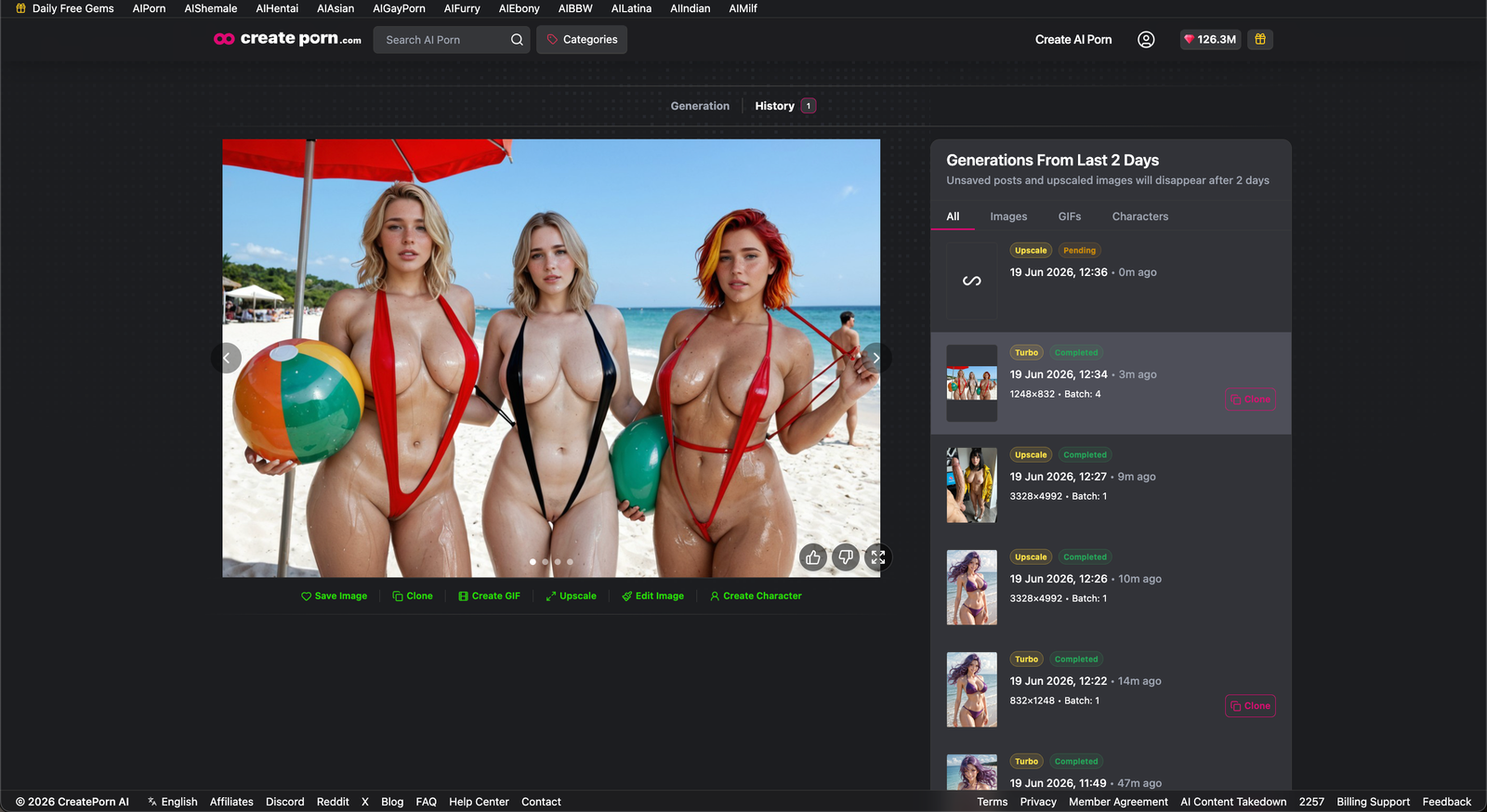
The Background Generation feature allows you to queue image generations while continuing to use the platform. You can also use History to view images that are currently generating and review your recent creations.
Background Generation Overview
The number of images you can queue depends on the generation queue you are using:
- Turbo Queue: Queue up to four images at once.
- Free Queue: Queue one image at a time.
Background Generation helps you create multiple images more efficiently without waiting for each generation to finish before starting another.
How to View Your Queue and Generation History
Open the Create Screen
Go to the Create screen.
Open the History Tab
Click History at the top of the screen.
Review Your Generations
The History tab displays:
- Images that are currently generating
- Your generation history
- The last 20 images you created
Important Details About History
- Images remain in your generation history for 48 hours.
- After 48 hours, images are automatically deleted from your history.
Tips
- Use the Turbo Queue to generate up to four images at the same time.
- Check the History tab to monitor images that are still generating.
- Save any images you want to keep before the 48-hour history period ends.
Need Help?
If an image does not appear in your queue or generation history, refresh the page and check the History tab again. If the issue continues, contact Support for assistance.